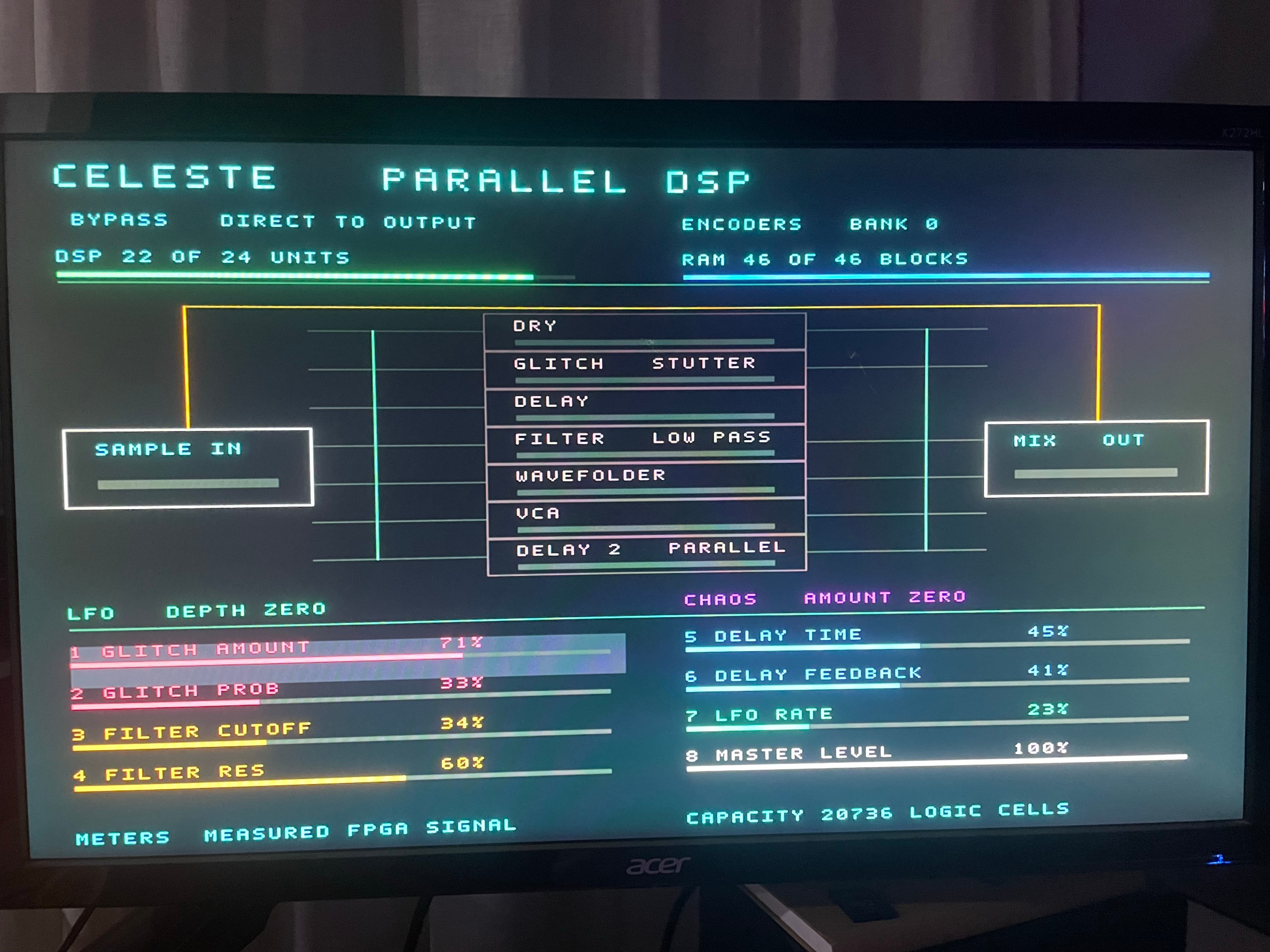
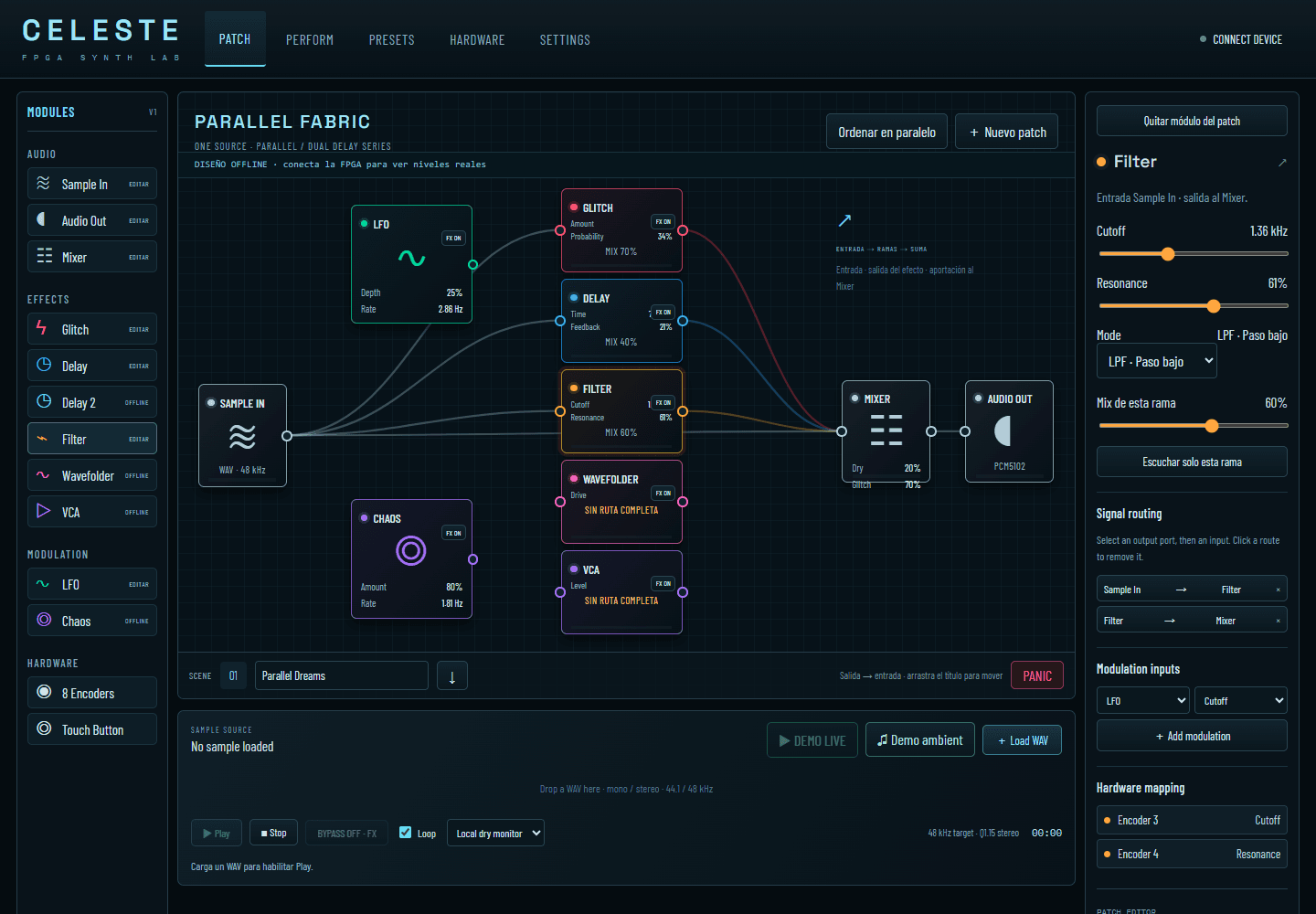
CELESTE · Web editor demo with the FPGA connected and a photograph of the HDMI output. Audio: original ambient source, not a recording of the FPGA-processed output.
Real photograph of the CELESTE Parallel DSP monitor: effects routing, parameters and FPGA meters. Displayed state: bypass.
Technical specifications
Architecture
Tang Nano 20K · FPGA
Interfaces
PCM1808 → FPGA → PCM5102 · 48 kHz
Documented capacity
19 384 / 20 736 cells · 38 / 46 RAM · 23 / 24 DSP
Formats
Web Serial · HDMI · Tang Control
Project questions
How does Tang Nano 20K process audio?
CELESTE receives the PCM1808 signal and runs effects in the FPGA; PCM5102 provides 48 kHz output. The web interface changes patch parameters and routing.
Does USB carry audio?
In this firmware, USB carries control and telemetry. Audio enters through Line-In; HDMI displays instrument state and parameter values.
Does the free plugin require an FPGA?
The native plugin processes audio on the computer. Tang Control integrates hardware control; the plugin page provides an MP3 demo, Windows/macOS downloads and installation instructions.
Local editor screenshot · disconnected mode · 20 September 2026CELESTE V1 front-panel CAD design in CAD Assistant: control layout, openings and mounting slots.